Useful links
Home Drone Photography and Videography Drone Regulations DIY Drone Building Drone Maintenance
Home Drone Photography and Videography Drone Regulations DIY Drone Building Drone Maintenance
Category : | Sub Category : Posted on 2023-10-30 21:24:53
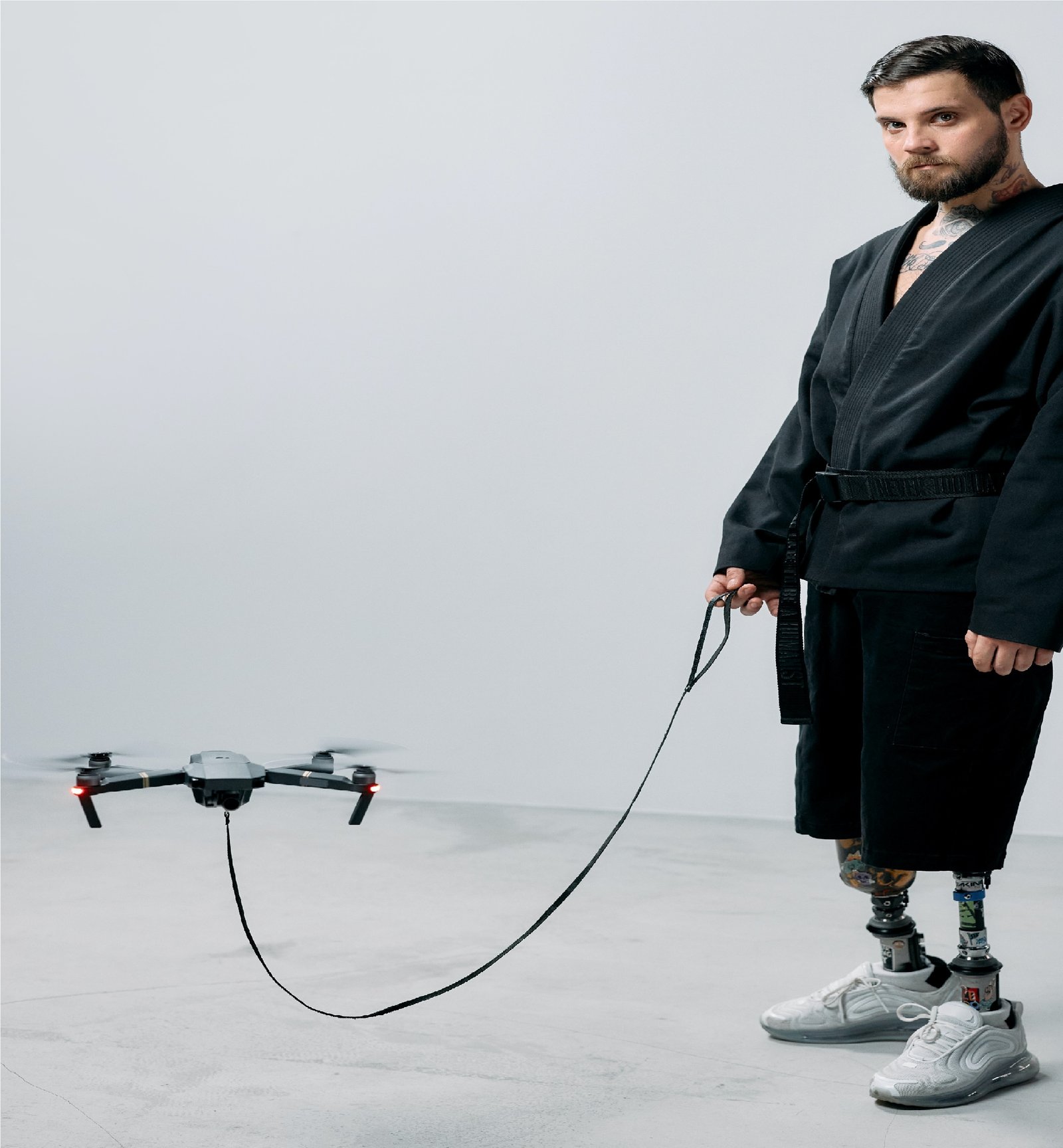
Introduction: Drones have become increasingly popular among enthusiasts and hobbyists alike. Whether you use a drone for aerial photography, videography, or just for pure fun, it's essential to understand the basic maintenance tasks to ensure its longevity and optimal performance. In this beginner's guide to DIY home drone maintenance, we'll walk you through the necessary steps to keep your drone in top shape. 1. Cleaning your Drone: Regular cleaning of your drone is crucial to keep it functioning properly. Dust, dirt, and debris can accumulate on the propellers, camera lens, and other areas, affecting the drone's stability and image quality. Here's a simple cleaning routine that you can follow: a) Use a soft brush or compressed air to remove any loose debris from the propellers, motor, and camera sensor. b) Dampen a microfiber cloth with a mild cleaning solution (avoid using harsh chemicals) and gently wipe down the drone's body. c) Ensure that all connectors, ports, and screws are free from dirt and debris. 2. Battery Maintenance: The drone's battery is a crucial component, and proper maintenance is essential for optimal performance and lifespan. Follow these tips to keep your drone's battery in good shape: a) Always charge the battery before each flight. b) Store the battery in a cool and dry place to prevent overheating or damage. c) Avoid completely draining the battery; instead, recharge it when it reaches 20% remaining capacity. d) Check the battery regularly for any signs of damage or swelling and replace it if necessary. 3. Firmware Updates: Drone manufacturers regularly release firmware updates to improve performance, fix bugs, and add new features. It's important to keep your drone's firmware up to date. Here's how you can do it: a) Download the latest firmware version from the manufacturer's website. b) Connect your drone to a computer or smartphone using the appropriate software or app. c) Follow the instructions provided to install the firmware update. 4. Propeller Maintenance: The propellers are integral to a drone's stability and flight performance. Regularly inspect them for any signs of damage or wear. If you notice any cracks, fractures, or bends, replace them immediately. Additionally, ensure that the propellers are securely attached before each flight. 5. Storage and Transportation: Proper storage and transportation are essential to protect your drone from damage. Consider the following tips: a) Invest in a sturdy, padded carrying case or backpack specifically designed for drones. This will protect it from bumps and vibrations. b) Remove the propellers before storing or transporting the drone to prevent them from getting damaged or causing harm. c) Avoid exposing the drone to extreme temperatures or humidity. Conclusion: Regular DIY home drone maintenance is essential for ensuring optimal performance, prolonging its lifespan, and preventing avoidable accidents. By following the simple steps outlined in this beginner's guide, you can keep your drone in excellent condition for many flights to come. Remember to always prioritize safety and consult your drone's user manual for any manufacturer-specific maintenance recommendations. Happy flying! For an in-depth examination, refer to http://www.svop.org also click the following link for more http://www.mimidate.com


